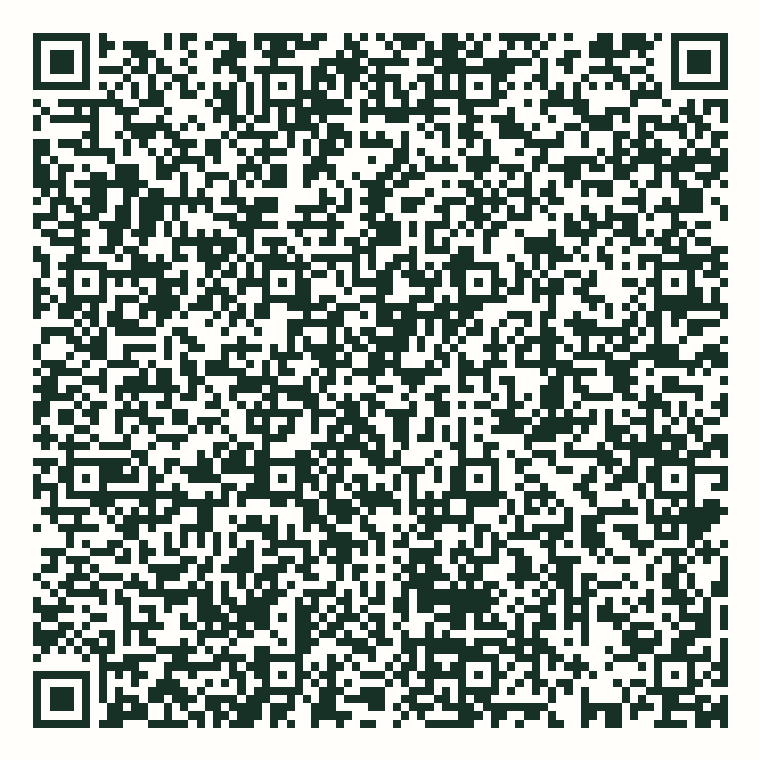
Scan only from this page on www.childphone.co. Android will reject a downloaded APK whose checksum differs.
Managed Android signed release · 0.18.6
This QR asks Android to download one exact, release-signed ChildPhone APK, verify its checksum, and make ChildPhone the visible Device Owner. It does not contain a family pairing key or turn on monitoring.
Scan only from this page on www.childphone.co. Android will reject a downloaded APK whose checksum differs.
No-phone check
Run this read-only check on a computer to confirm that the QR payload, HTTPS APK, checksum, Device Owner receiver, and signed Managed release agree before touching the spare phone.
Download the 11-check enrollment preflightsh childphone-managed-0.18.6-enrollment-preflight-v2.shPASS means the endpoint is ready. It does not require USB debugging or change the phone.If QR setup shows an error
Device Owner enrollment is allowed only from Android's unprovisioned welcome flow. If this phone has already reached its home screen, had a work profile, or has a previous device administrator, the QR scanner may stop with a generic error. Do not continue testing on that phone as-is.
Android's provisioning requirements are described in the Android Open Source Project documentation. Before retrying, you can also run the read-only enrollment-endpoint preflight from a computer.
It lets ChildPhone block selected apps or allow only approved apps during active windows while protecting Android system and emergency components.
Enrollment opts out of silent sensor permission grants. Location and Notification Access still require visible, separate action on the phone.
The QR contains only the admin component, public APK URL, checksum, and a setting that leaves Android system apps enabled.
c5a401262d2de5ca467e77f2c0b3e0e451d9bb13f1e8bbb9854aade97f215332xaQBJi0t5cpGfnfywLPg5FHZuxPx6Lu5hUqt6X8hUzI111129763a0d29cbc2e9110babe2ef231a0beba9293c5f002e3b626afa0f911a12e0decf33d29ced7d2b487c09767c6236655b62b7814b80765ad861d5cbb7efThe signed APK, QR payload, and Android provisioning activities pass automated checks. A current Android 16 stable-release smoke also passed the exact 0.18.6 APK and certificate, Device Owner, child-visible launcher, process restart, reboot persistence, and a bounded no-crash/ANR check. The earlier deep feature rehearsal used a development build, so app rules, pairing, GPS, communication inspection, revocation, and cleanup must still be repeated on this signed release. Hardware setup screens vary by manufacturer, so the exact QR flow still needs confirmation on a factory-reset spare phone before any family pilot.
Open the guided field-test and recovery checklist